Enabling dynamic codec switching Horizon View 7.10

VMware Horizon 7.10 – released on September 17, 2019 – ships with a new dynamic encoder. Depending on what content you’re watching in your VDI, it will seamlessly switch to the best suiting codec for optimal performance/quality-balance. While H.264 is ideal for rapidly changing content like videos, JPG/PNG offers better quality for more static content like Office applications. 
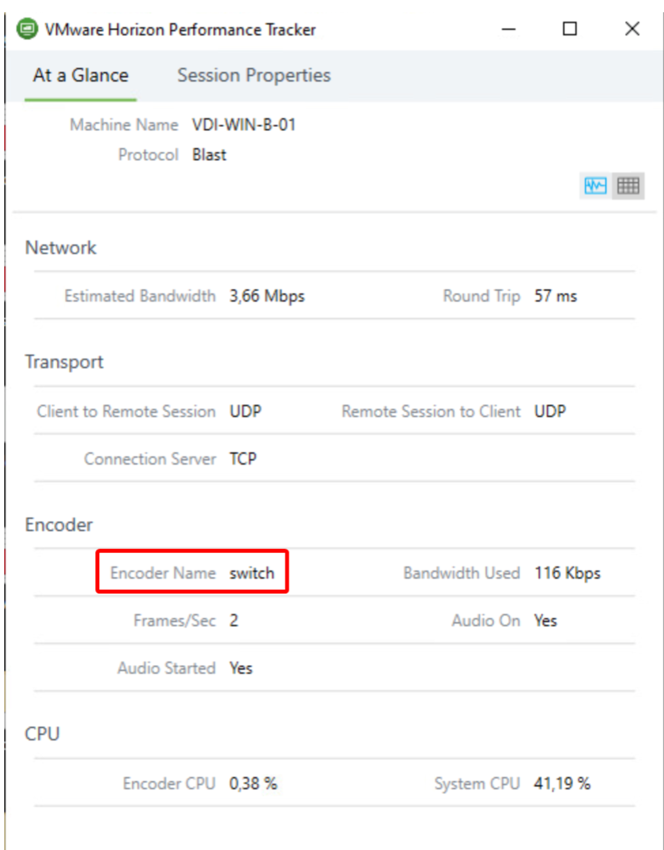
As of this release the “switch”-Codec is disabled by default and must be explicitly enabled via the registry. Also, make sure you’re using Horizon Client 5.2 or later to make the codec work.

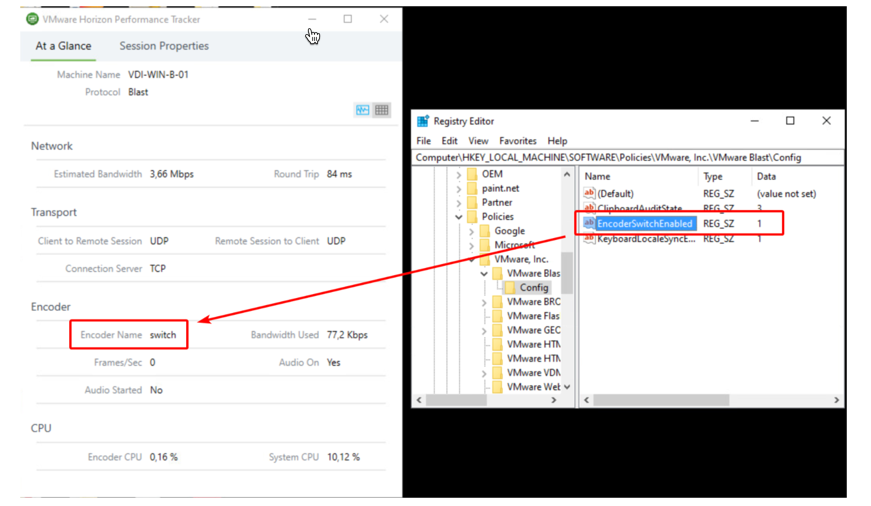
To enable the new feature, you need to set this registry key on your VDI machine:

Key: HKEY_LOCAL_MACHINE\SOFTWARE\Policies\VMware, Inc.\VMware Blast\Config\EncoderSwitchEnabled
Type: REG_SZ
Value: 1

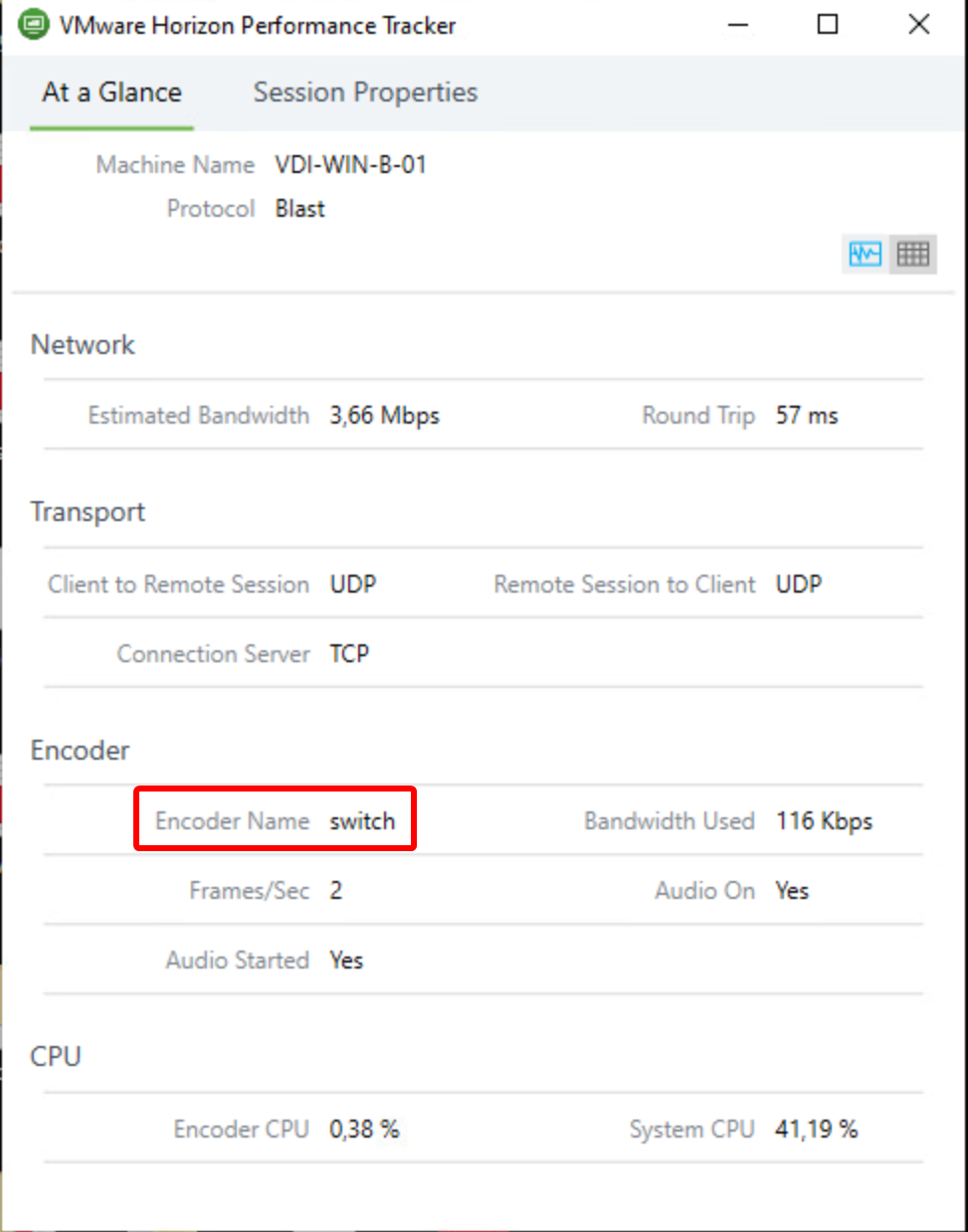
When you have created the registry key, re-initiate the connection to your VDI machine. Then check with the “VMware Horizon Performance Tracker”-tool if you can see “Encoder Name” is set to “switch”. Like in the screenshot of my HomeLab here:
If you would like to get more details about the 7.10 release, you can get the release notes here or a blog article by VMware here.

You might be interested in …

Workspace ONE Access Log Files and Location

VMware, Workspace ONE Access

Workspace ONE Access Logs and Config File location I came across many times with my customers asking about the logs file location and config file for VMware Workspace ONE Access. Below table has most useful log file location and config file that Engineers and admin should know about and will be helpful to troubleshoot WS1 […]

Read More

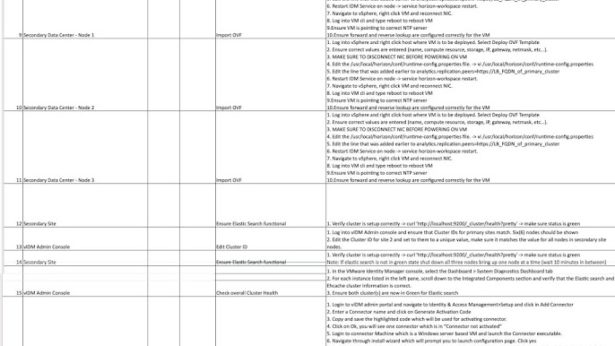
Workspace ONE Access Multisite Tasks – One Pager

vIDM, VMware, Workspace ONE Access

For the past few weeks, I have been working with my project team and my customer to help them stand up VMware Access on a secondary site. With the help of Haseeb Waseem, I have created a single spreadsheet which includes all the major steps needed to create a secondary site. Hope this is helpful […]

Read More

Unified Access Gateway with Microsoft Azure AD Integration using SAML

Many customers are moving towards extending their Datacenter workloads to the clouds, and Microsoft Azure is one of the partners that the VMware EUC team works very closely with. VMWare Unified Access Gateway, what we called “UAG,” is available in the Azure AD app gallery directly, reducing and simplifying the efforts of integration and configurations.  […]

Read More

Leave a Reply

Your email address will not be published. Required fields are marked *